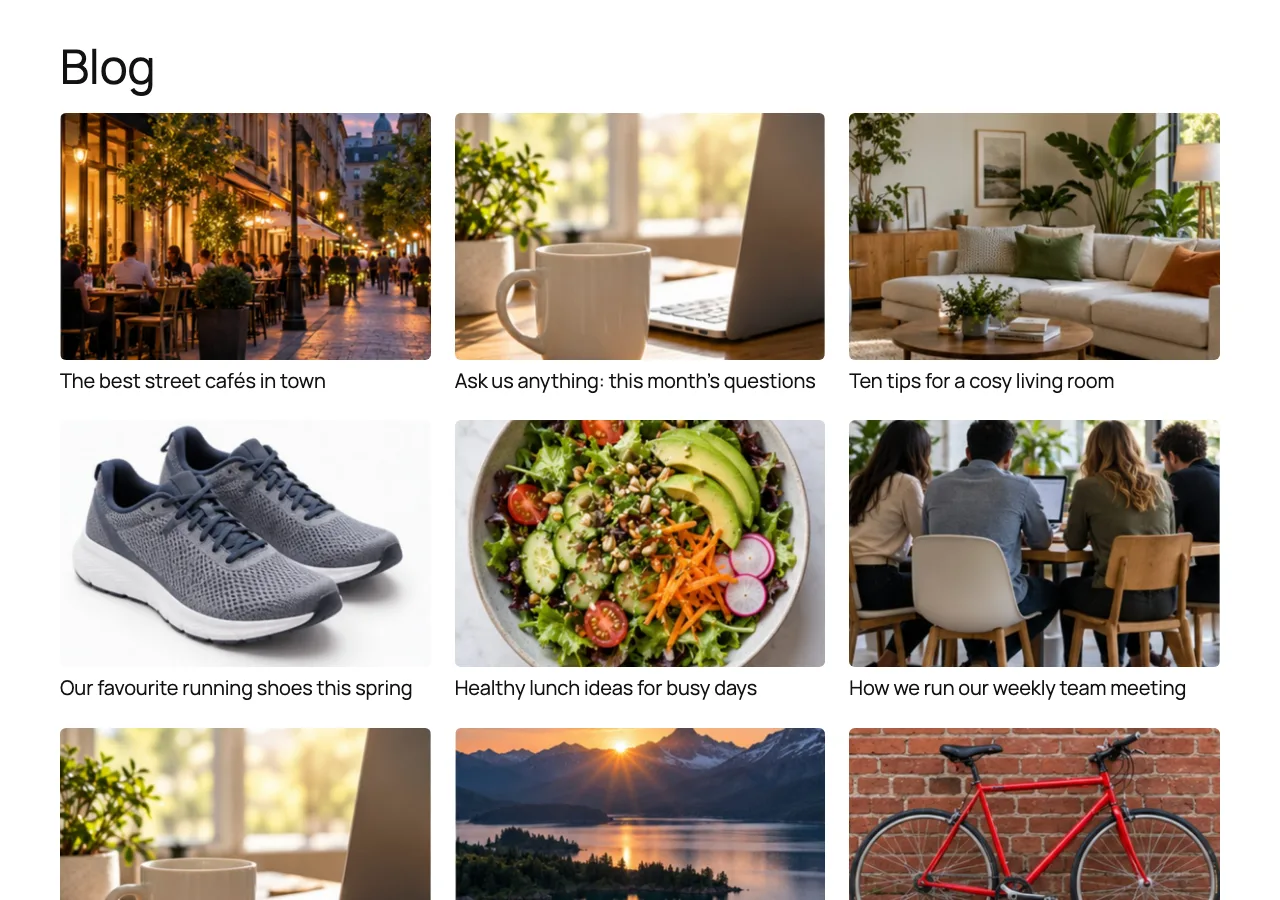
No featured image
First image in the post
Races
Alpine trail run

Reinvent Auto Featured Image
Auto featured image for WordPress: the post’s first image, or your fallback.
Posts without a featured image: 3
No featured image
Races
Alpine trail run
No featured image
Food
Five cafés to try
No featured image
Club
Club meeting notes
No featured image
Weekend
Market Saturday
Preview before anything changes
Undo in one click
The first photo of yours in the post. No photo? Your fallback image. Pick an example and see.
The post
Our weekend ride to the coast
bike-by-the-sea.jpg
Picked
max-at-the-beach.jpg
–
Featured image
First image in the postThe first image in the post that’s in your Media Library: an image block, a gallery, a cover or a classic editor image.
See what every post will get before anything changes. Featured images you picked yourself are never touched.
Media → Auto Featured Image
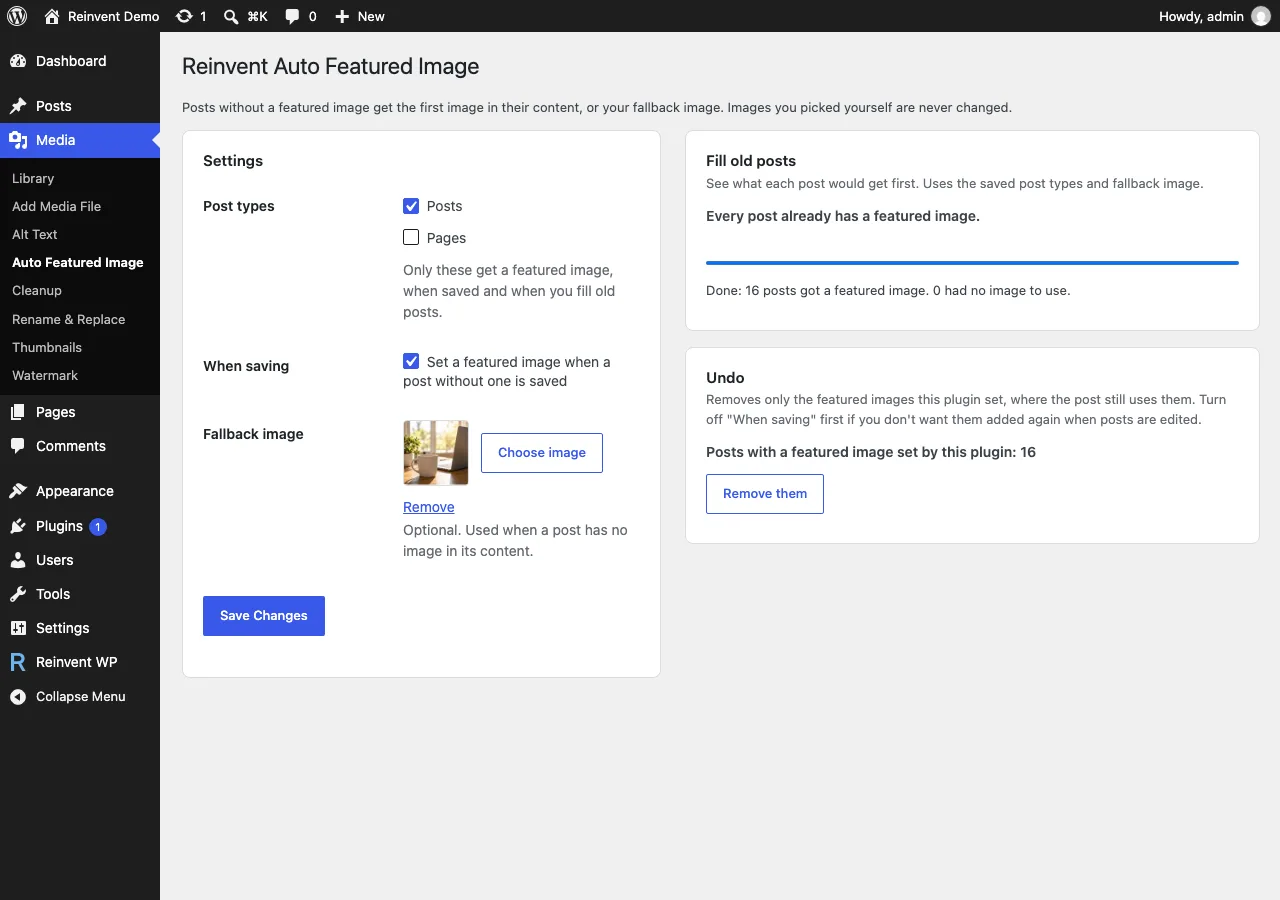
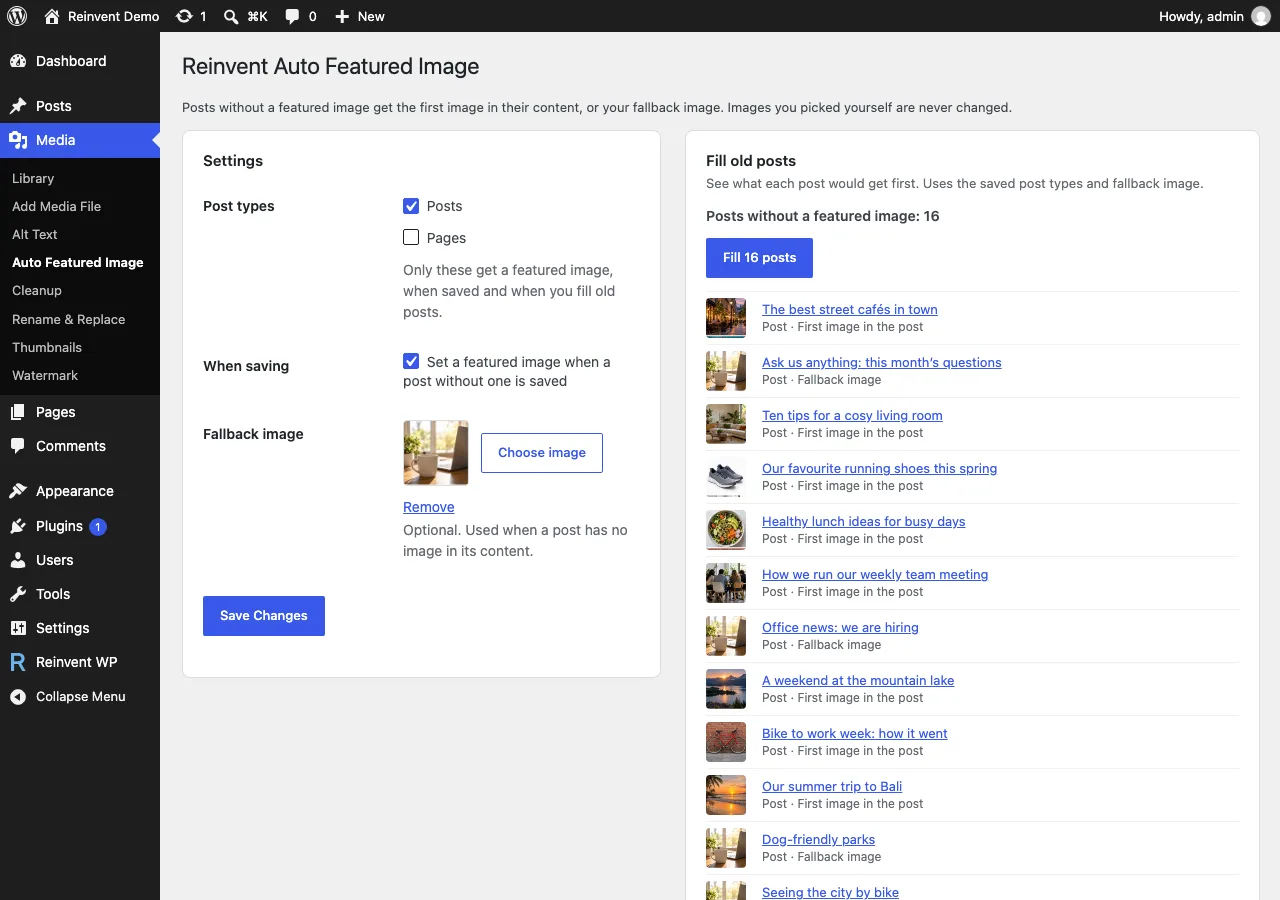
See what each post would get first. Uses the saved post types and fallback image.
Showing the newest 4 of 4. No fallback image chosen.
Ten trails we loved this year
First image in the post · Set
Our weekend ride to the coast
First image in the post · Set
Club meeting notes
No image found: stays empty · Set
Market Saturday
First image in the post · Set
Media → Auto Featured Image: the preview, filling old posts with a progress bar, and undo.
Free on WordPress.org · No account · No card
Install the plugin from Plugins → Add New, or upload the zip.
Activate it. New and updated posts without a featured image now get one.
To fill older posts, go to Media → Auto Featured Image, check the preview, then click Fill posts.
No. It only fills posts that have no featured image.
Yes. On Media → Auto Featured Image, Undo removes the featured images this plugin set, and only where the post still uses that image. If you changed a post's featured image yourself, it stays.
Only if you tick Pages in the settings. By default it only fills posts.
They're skipped. Only images in your Media Library are used, so nothing is downloaded.
It reads the post content saved by any editor. Images added by a page builder count when they're Media Library images in the post content.
Only if you allow it. Everything the plugin does with your posts and images happens on your own site. The plugin's page asks whether you'd like to share a short site report; nothing is sent unless you click "Allow", and you can turn it off anytime under Privacy → Site report. See our privacy policy.

Give your WordPress posts natural-sounding audio, synchronized highlighting, and a polished listening experience powered by modern web technology.

Find and safely delete unused images and media files. Works with Elementor, Divi, ACF, WooCommerce and every page builder, for free.

Sharp retina images in one click: regenerate thumbnails, fix missing image sizes, turn off unneeded ones, make WebP/AVIF and free up space.

Rename images and replace media files without breaking links. Updates links everywhere, keeps old URLs working and lets you undo.

Clean and speed up your database safely. See which plugin left each table and option behind, and undo anything with built-in backups.

Link each image in a gallery to any page or URL: products, case studies, partner sites. Works with Gallery blocks, Image blocks and classic galleries.

A fast, accessible lightbox for images and galleries, with photo details (EXIF), slideshow, zoom, download and shareable links. All free.

Add featured images to your RSS feed, so Mailchimp, MailerLite, Feedly and other feed readers show a picture with every post. Free, no setup.

Add a text or logo watermark to your images on upload or in bulk, and remove it any time: the original is always kept.
Tell us what you need. Include enough detail for us to understand your question and help you faster.
Prefer email? Write to support@reinventwp.com