
Reinvent Image Zoom
Every detail, up close.On every image.
Image zoom for WordPress: visitors zoom into any photo, gallery or WooCommerce product to see the detail up close.
Every image and gallery, phones too
No setup: just activate it
Then upload it in WordPress: Plugins → Add New → Upload Plugin
Made for pictures worth a closer look
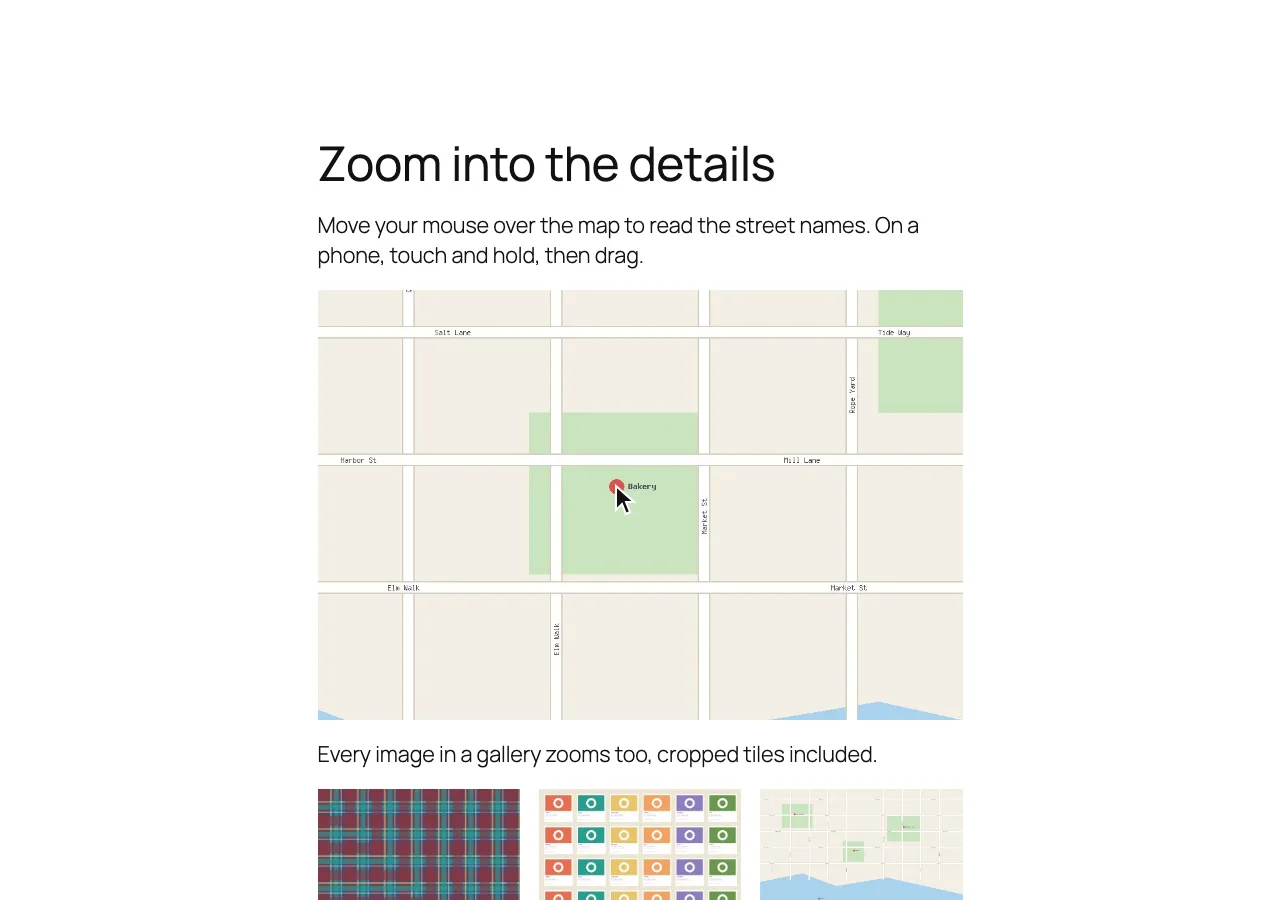
Hover any of these. That’s the zoom your visitors get.
Shops
Shoppers check the weave, the stitching and the label before they buy.
Artists and photographers
Show brush strokes and fine detail right on the page, without opening anything.
Maps, plans and menus
Make the small print readable: street names, room sizes, prices.
Shops
Shoppers check the weave, the stitching and the label before they buy.
Touch and hold a picture, then drag.
Every image zooms. No setup.
Galleries, many images on a page and phones are all included, free.
Zooms right away on
Image blocks
Gallery blocks
Classic galleries
WooCommerce products
Rather choose? Zoom only the images you mark, and skip any with one class.
Sharp, not blurry
The page shows a smaller copy of your image. The zoom loads the original file from your Media Library instead, so the detail is real.
Drag across the picture to compare. Until the full-size file has loaded, the zoom uses the image already on the page.
Try both styles
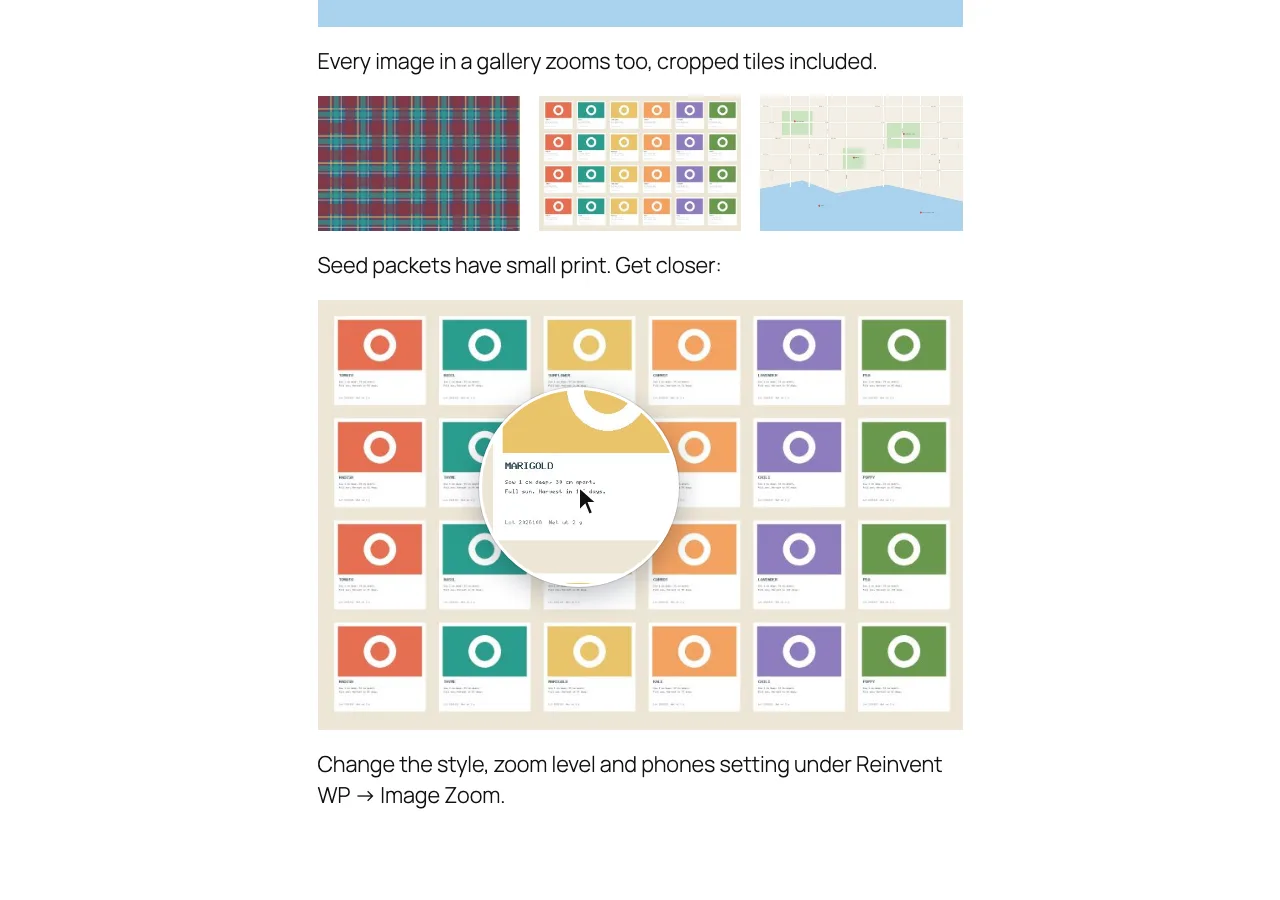
The same two choices as the plugin’s settings. Hover the seed packets to read the small print.
Zoom level
2.5×
See it in WordPress
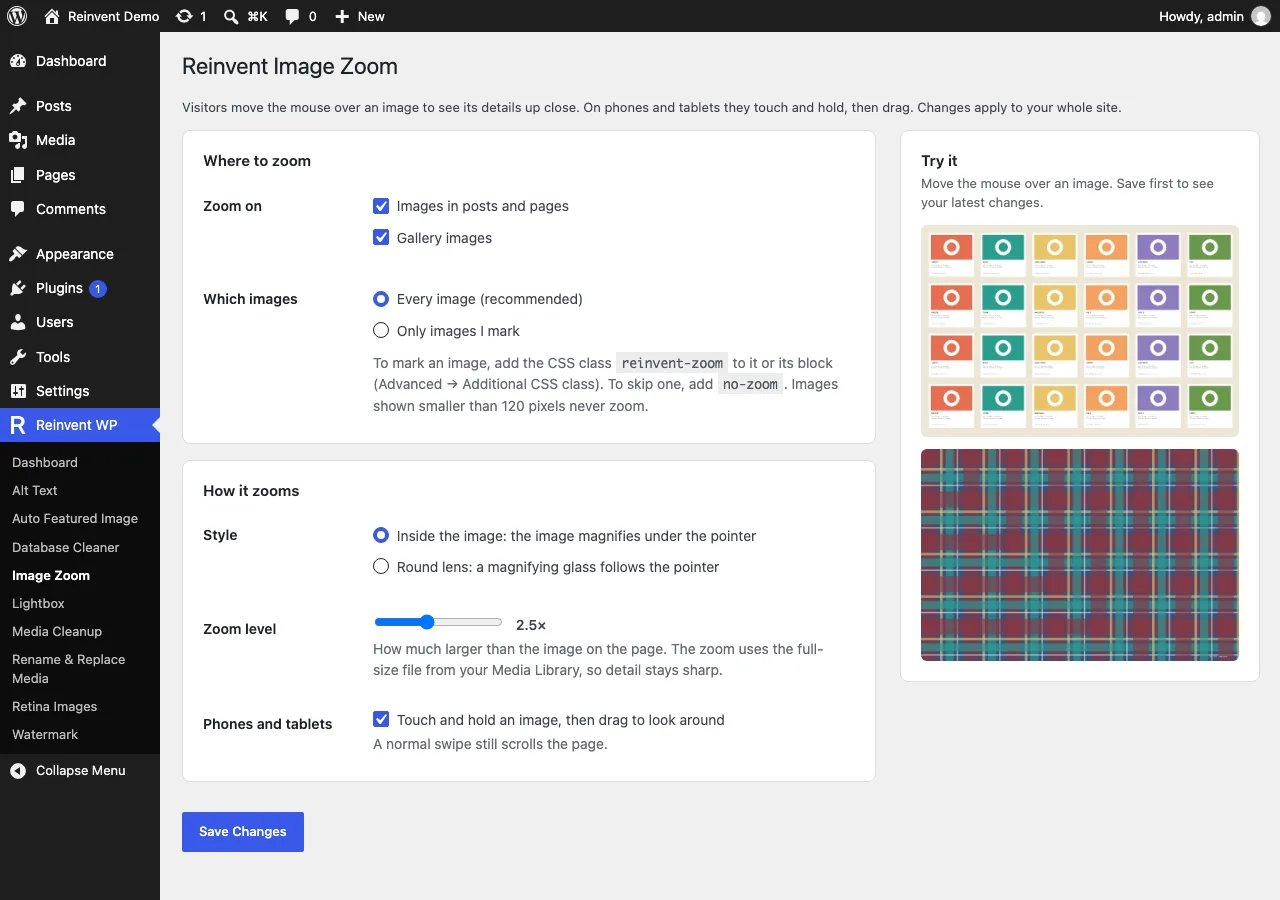
Reinvent WP → Image Zoom: where to zoom, the style, the zoom level and phones, with a preview to try it.
Add Image Zoom to WordPress. Free.
Not on WordPress.org yet: download the free zip · No account · No card
Then upload it in WordPress: Plugins → Add New → Upload Plugin
Up and running in a minute
- 1
Install the plugin from Plugins → Add New, or upload the zip.
- 2
Activate it. Images in your posts, pages and galleries zoom right away.
- 3
To change the style, zoom level or where it works, open Reinvent WP → Image Zoom.
Questions and answers
Add the CSS class no-zoom to the image or to its block. Images shown smaller than 120 pixels, like icons and avatars, never zoom.
The zoom can only be as sharp as the file you uploaded. It uses the full-size original from your Media Library, so upload images that are larger than they're shown on the page (for example 2000 pixels wide for an image shown at 800). A lower zoom level also helps with small files.
Yes, with Gallery blocks and classic [gallery] galleries, on every image. Square, cropped gallery tiles zoom into the spot under the pointer.
Yes. Touch and hold an image for a moment, then drag. You can turn this off under "Phones and tablets".
Yes. Product gallery images zoom using WooCommerce's large product image. While "WooCommerce product images" is on, WooCommerce's own hover zoom is switched off so the two don't overlap. Turn the setting off to go back to WooCommerce's zoom.
Yes. The zoom shows on hover; a click still follows the link or opens the lightbox.
It shouldn't be: the zoom is placed from the image's position at the moment the pointer is on it, and again on every move and scroll.
Yes. The zoom starts when the pointer reaches an image, whenever that image loaded.
Only if you allow it. The zoom happens in the visitor's browser and on your own server. The plugin's page asks whether you'd like to share a short site report; nothing is sent unless you click "Allow", and you can turn it off anytime under Privacy → Site report. See our privacy policy.
More from Reinvent WP

Reinvent WP Text to Speech
Give your WordPress posts natural-sounding audio, synchronized highlighting, and a polished listening experience powered by modern web technology.

Reinvent Media Cleanup
Find and safely delete unused images and media files. Works with Elementor, Divi, ACF, WooCommerce and every page builder, for free.

Reinvent Retina Images
Sharp retina images in one click: regenerate thumbnails, fix missing image sizes, turn off unneeded ones, make WebP/AVIF and free up space.

Reinvent Rename & Replace Media
Rename images and replace media files without breaking links. Updates links everywhere, keeps old URLs working and lets you undo.

Reinvent Database Cleaner
Clean and speed up your database safely. See which plugin left each table and option behind, and undo anything with built-in backups.

Reinvent Image Links
Link each image in a gallery to any page or URL: products, case studies, partner sites. Works with Gallery blocks, Image blocks and classic galleries.

Reinvent Lightbox
A fast, accessible lightbox for images and galleries, with photo details (EXIF), slideshow, zoom, download and shareable links. All free.

Reinvent RSS Featured Image
Add featured images to your RSS feed, so Mailchimp, MailerLite, Feedly and other feed readers show a picture with every post. Free, no setup.

Reinvent Watermark
Add a text or logo watermark to your images on upload or in bulk, and remove it any time: the original is always kept.
Contact us
Tell us what you need. Include enough detail for us to understand your question and help you faster.
Prefer email? Write to support@reinventwp.com